Changing Your Phone Number? Check Account Access Before You Switch
Changing your phone number? Check contact, sign-in and recovery settings, confirm replacement methods, and track waiting periods before releasing your old number.
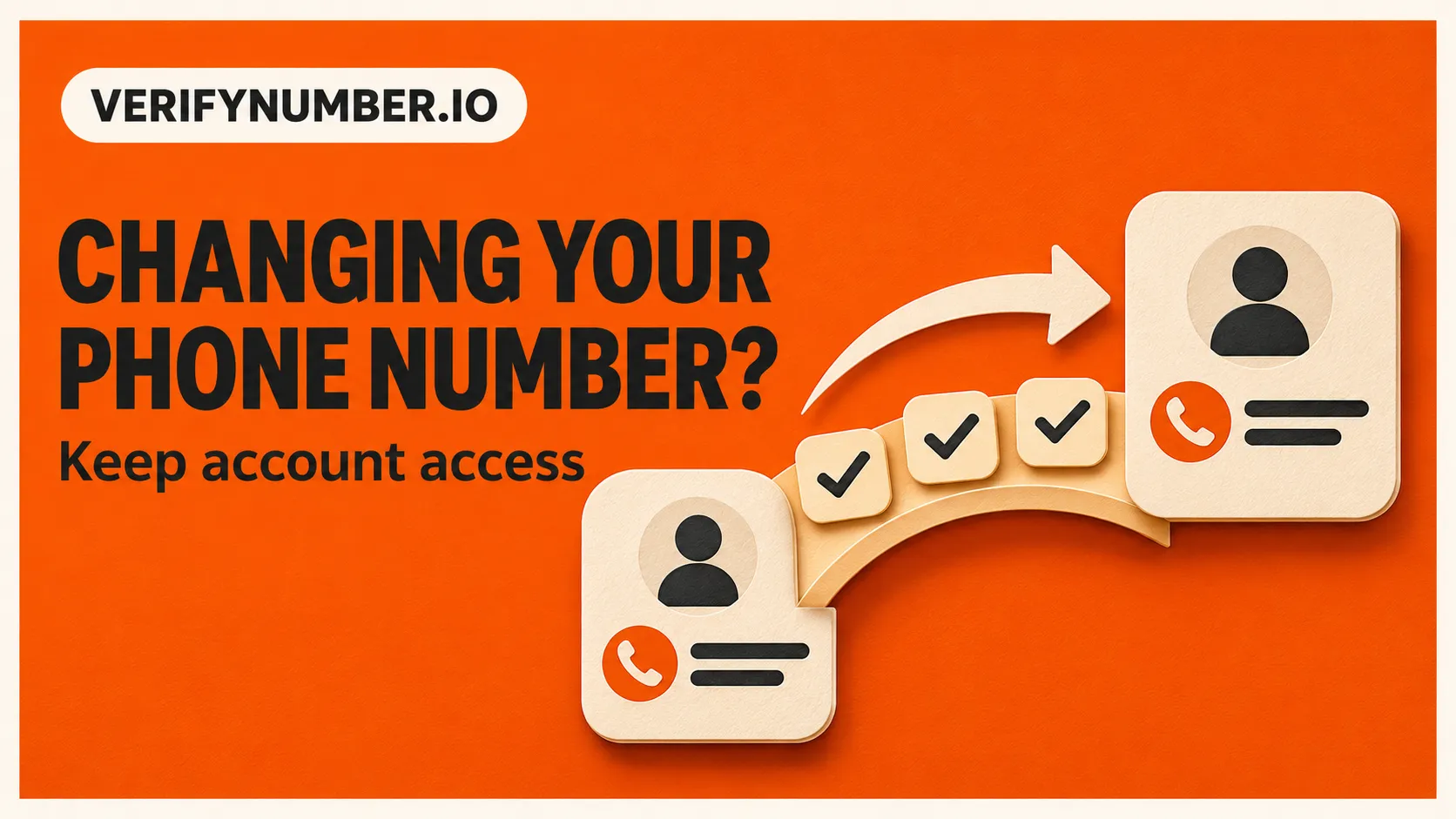
Before giving up a phone number, update the accounts that use it for sign-in, verification and recovery. Add a replacement method you control, complete the service’s confirmation process, and check any waiting period before treating the old number as disconnected from your accounts.
The useful question is not just “Who needs my new number?” It is “Which accounts will still send a security code to the old one?” A contact detail and a recovery method can be separate settings, even within the same service.
The transition rule: establish the new route, verify it works, then retire the old route according to each service’s instructions. If you have already lost the old number, start with the account provider’s recovery options.
Make a list of accounts that depend on the old number
Start with your primary email, password manager, device account and other accounts you would find difficult to replace. Then review work tools, messaging apps, shopping accounts and subscriptions. This order is a practical way to prioritize your own review, not a universal account-recovery procedure.
Use your password manager and your own recent account messages to build the list. Do not send a list of passwords or security codes to anyone helping you. For each account, record these checks:
| Check | What to confirm |
|---|---|
| Contact number | Where routine notifications or profile contact details go |
| Sign-in verification | Whether a login challenge still uses the old number |
| Recovery method | How you would regain access without your usual device |
| Replacement status | Whether the new method is confirmed, pending or unavailable |
| Retirement date | Whether the provider shows a delay before the old method stops working |
One tick for “number changed” is often too broad. Keep separate notes for the settings that matter to each account. Avoid storing the actual recovery codes in an ordinary checklist.
Check the security settings as well as the contact field
Google explicitly says changing a number in a Google Account affects only some Google services. Its phone-number page points users to separate settings for services such as 2-Step Verification. That makes it a useful example of why a profile edit alone is not a complete transition. Review the account’s phone usage and the individual services you use. Google’s phone-number guidance
For an Apple Account, check trusted phone numbers rather than assuming an edited contact card changes security settings. Apple requires at least one trusted number for two-factor authentication. Its official instructions explain how to add or change trusted numbers on a device or through the account website. Apple’s trusted-number guidance
For work or school accounts, follow your organization’s process. An administrator may control the available methods. A personal-account help page is not necessarily the right procedure for a managed account.
Allow for changes that do not take effect immediately
Do this review before the day you plan to release the old number when possible. The time needed depends on the service and your account state, so a single universal waiting period would be misleading.
| Provider example | What its current guidance says | What to record |
|---|---|---|
| Google recovery information | Recovery-phone changes can take up to seven days to take effect. Google may also offer codes to previous recovery information for seven days after changes. | The change date and any pending status or security notice |
| Microsoft personal-account verification methods | Removing a sign-in verification method schedules its removal after 30 days; the method remains usable during that period. | The scheduled removal date and time shown in the account |
| Apple trusted numbers | Maintain at least one trusted number. If access to trusted devices and numbers is lost, account recovery can take days or longer. | Which trusted number or device you will still control |
These examples come from Google recovery help, Microsoft’s removal instructions and Apple Support. Follow the current notices in your own account. A “removal scheduled” message does not mean the old method has already stopped working.
Confirm the replacement without discarding your fallback
Use the provider’s normal confirmation process for the replacement number or alternative method. Review its saved status afterward. If the service offers a supported way to check the new method, do that while you still have a working way back in. Avoid signing out everywhere or deleting every existing method simply to test the change.
For example, your checklist might say “new contact number saved” but “SMS sign-in still uses old number.” That account is still unfinished. Another account might have the replacement confirmed while removal of the old method remains pending. Record that distinction instead of repeating the change.
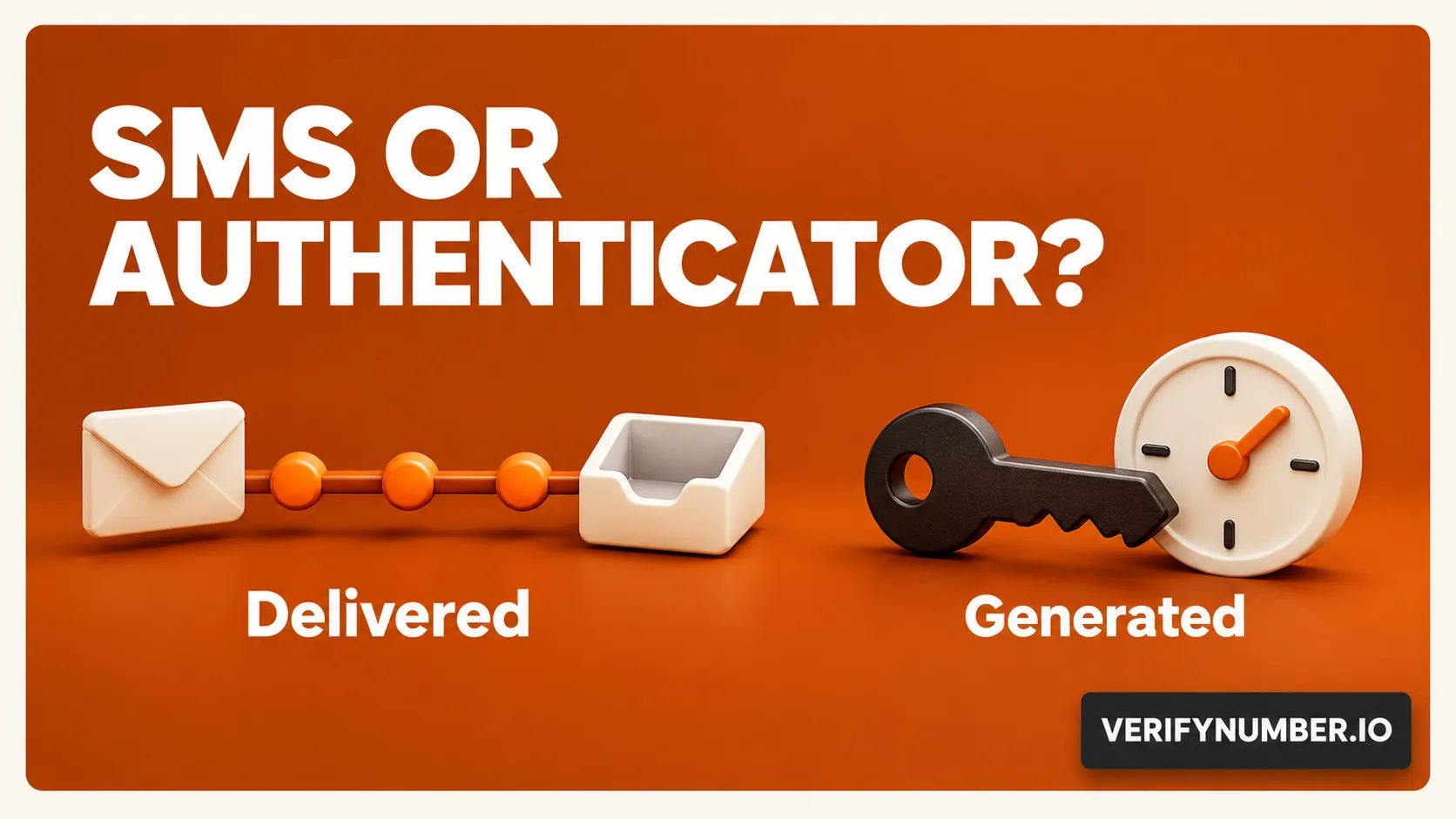
Where the provider offers other authentication or recovery options, consider which ones you can maintain. Our explanation of SMS codes and authenticator-app codes helps distinguish the prompts. Adding an authenticator does not automatically update every phone field or eliminate all recovery requirements.
A temporary receiving window needs a separate plan
A rented number’s expiry is a deadline for reviewing linked accounts. It is not evidence that those accounts have removed the number. VerifyNumber’s terms describe temporary assignments and possible reassignment after access ends, so do not build an important account’s only recovery route around continued access that you have not secured. VerifyNumber Terms
If you are considering VerifyNumber for a separate verification session, first check whether the target service permits the number and what happens after the receiving period. A new rental is not a way to receive messages addressed to a different, previously linked number. For accounts you intend to keep, prefer recovery methods you can maintain over time.
Receiving one code also does not settle every question about account ownership or future recovery. See what phone verification proves for that boundary.
If the old number is already unavailable
Open the account provider’s official app or website directly and look for its supported alternate verification or recovery route. Use an existing trusted device or another previously configured method when the provider offers it. Do not ask a new holder of the old number to forward security codes.
If no supported route works, use that provider’s recovery process or support channel. A number-rental provider cannot override another service’s account-recovery requirements. Keep your checklist so you can distinguish an unresolved account from one whose change is merely pending.
The transition is complete only when you understand which methods remain active, which you control and which changes are still waiting. Keep that record until the relevant provider confirms the old method’s removal.
Need help with a VerifyNumber session? Visit VerifyNumber Support or email support@verifynumber.io. The team will review the issue and help with the next steps. Include your rental or session reference and a brief description, but never send passwords, verification codes or full payment details.