SMS Codes vs Authenticator Apps: Which Code Do You Need?
Learn how SMS and authenticator codes differ, which code a sign-in prompt needs, and what to check before changing your phone or temporary number.
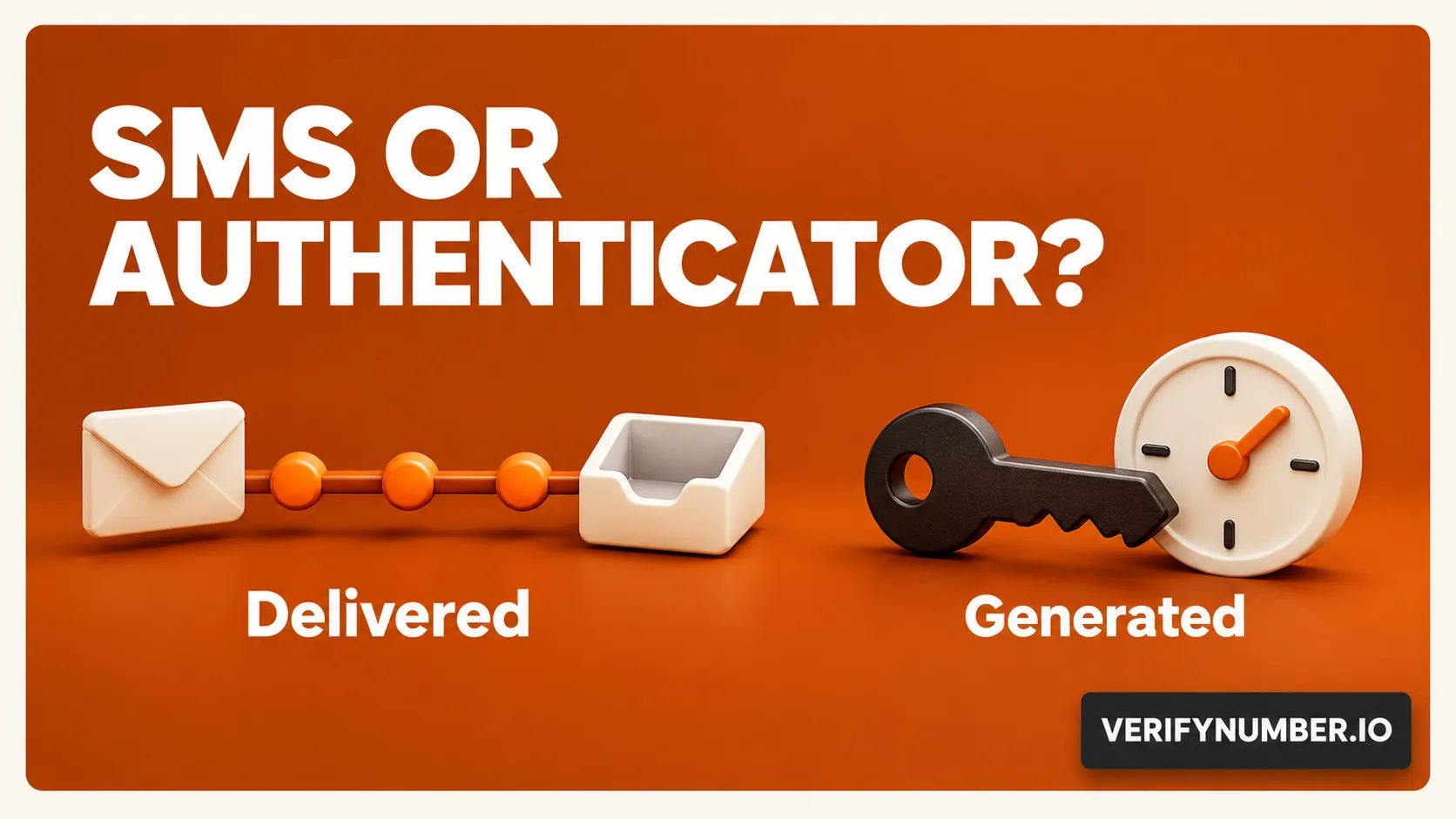
An SMS verification code arrives in an inbox for a phone number. A time-based authenticator code is generated by an app that you previously connected to the account. They can look similar, but they are not interchangeable. The words on the sign-in page tell you which one to use.
That distinction matters before you request another text or pay for a separate number. If the page asks for an authenticator code, another SMS rental will not supply it. If the page is checking a phone number, opening an authenticator app does not prove that you can receive messages at that number.
The quick check: Read the requested method, use the matching inbox or enrolled authenticator, and keep a separate recovery route. A successful signup code does not establish permanent control of a phone number.
Start with the prompt, not the number of digits
Treat the requested method as the instruction. Here is a practical way to read common prompts without assuming every platform uses the same wording.
| Prompt | Use this source |
|---|---|
| A text-message code | The SMS inbox for the displayed phone number |
| An authenticator code | The matching account entry in your enrolled app |
| A backup or recovery code | The current saved codes for that account |
| Another method | An alternative the service offers and you can access |
The table is a reading aid, not a promise that every account offers all four options. For a missing text, our SMS verification troubleshooting article covers delivery and resend checks. Here, the first decision is whether you should be waiting for a text at all.
SMS is delivered; a time-based code is calculated
With SMS verification, the requesting service sends a secret to a phone number and checks the value you return. The receiving number and message delivery are part of that path. NIST describes this as an out-of-band authentication mechanism when it is used for authentication. A phone-number confirmation at signup can have a narrower purpose than authenticating a returning account holder. See NIST’s authentication guidance.
A time-based one-time password, or TOTP, takes a different path. During setup, the service and authenticator establish a shared secret. The app uses that secret and the time to calculate a code; the service checks it against its corresponding calculation. RFC 6238 describes this mechanism.
The practical consequence is that the authenticator is not waiting for a text. Google confirms that an enrolled Google Authenticator can generate codes without internet or mobile service. That does not make the website you are signing into available offline. It also does not mean every feature of every authentication app works without a connection: push approvals and account synchronization are separate functions.
Installing an app does not enroll your account
An authenticator must be connected to the particular account before its codes can be used there. Google’s documented setup starts in the account’s two-step verification settings. Simply installing the app after a lockout does not recreate an enrollment you never made.
Consider an illustrative situation: you have two accounts for the same service, one personal and one for a project. A code from the personal entry does not become a project-account code because both entries use the same app. Check the account label as well as the app name.
If a code from the correct entry is rejected, follow that service’s help instructions. TOTP depends on time, so an incorrect device clock is a relevant check. Google’s current Authenticator help says the app uses the operating system’s time setting. Avoid applying an old app-specific time-correction menu to a current version that no longer has it.
Moving away from SMS does not remove every risk
An enrolled authenticator removes SMS delivery from that particular code-generation step. It does not make a typed code immune to phishing. NIST says manually entered one-time codes are not phishing-resistant because an impostor can relay them to the real service.
Only enter a code in the genuine service flow you initiated. Do not send it to someone claiming to be support. Be equally careful with authenticator setup secrets and QR codes: the shared secret is what enables the code calculation, so a screenshot is more sensitive than an ordinary settings screenshot.
Keep the comparison specific. An authenticator changes how you obtain a code; it does not automatically change the service’s phone-number requirements, account restrictions or recovery rules.
Plan the next login before changing access
Before replacing a device or letting number access end, review the account’s security settings while you can still sign in. Identify the enrolled methods, check how the authenticator can be transferred or restored, and prepare any supported backup option. Do not assume another installation will contain your existing entries.
Backup codes deserve their own storage plan. For example, Google’s backup-code documentation says they require two-step verification, become inactive after use, and are replaced when you generate a new set. Those are Google-specific details, not a universal format or count for every website.
Store the current set securely somewhere you can access if your normal device is unavailable. Before discarding a device, confirm that your intended replacement method works using the platform’s documented process. Keep an existing signed-in session available while you check, where the service permits it.
Where a VerifyNumber session fits
VerifyNumber offers temporary carrier-backed numbers for SMS verification and an online receiving inbox. Its homepage asks users to check service availability and access terms before choosing a number. That is a message-receiving role, separate from an authenticator enrolled with the destination account.
If the destination genuinely needs an SMS to a separate number, review the current offer and its access period. If it asks for a TOTP code, use the authenticator already linked to that account. Buying another number cannot recreate that shared secret or receive texts addressed to a different number.
Our eSIM and VoIP comparison explains why number type, SMS capability and future access need separate checks. No number label establishes that a platform will accept a particular signup.
The useful takeaway is simple: choose around the prompt and the next login. Use SMS access for an eligible SMS task, enroll supported security methods while you have access, and plan recovery before depending on a temporary number.
Need a separate number or a hand with your session? Review VerifyNumber’s current options and check that the offer fits your task. If something goes wrong, visit VerifyNumber Support or email support@verifynumber.io. We’ll review the issue and help with the next steps. Include your rental ID and a brief error description, but never send passwords, verification codes or full payment details.