SMS Verification Code Not Received? Check Before You Resend
Missing an SMS verification code? Identify number rejection, delivery delays or an invalid code before resending, and check your VerifyNumber session.
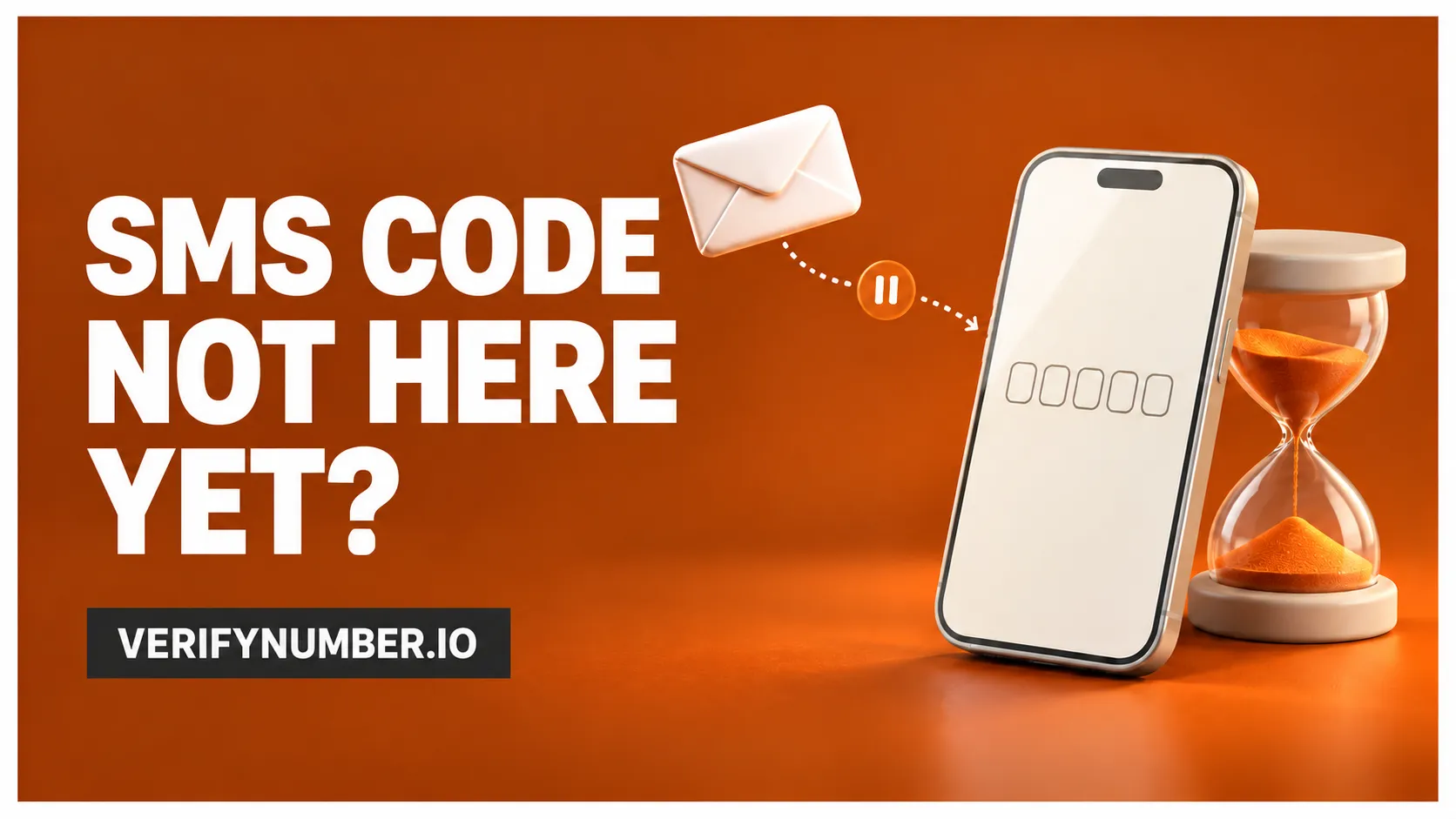
A missing SMS verification code does not always mean you need a different number. First check what the website actually reported: did it reject the number, accept a request with no message arriving, or reject a code you already received? Each symptom points to a different next step.
For VerifyNumber users, that distinction matters before spending more on another session. Keep the destination website open, check the number and service associated with your current offer, and follow the retry instructions shown by the website.
TL;DR
- A number rejection and a missing SMS are different problems.
- Follow the displayed resend timer instead of repeatedly requesting codes.
- Check the destination, delivery channel and number-access period before replacing a number.
- If the code arrives but fails, check the current verification attempt. Receiving a message does not complete verification.
Start with the message on your screen
Think of verification as three separate checkpoints: the website accepts a destination, a message reaches that destination, and the website accepts the submitted code. You do not need access to technical logs to identify which symptom you can actually see.
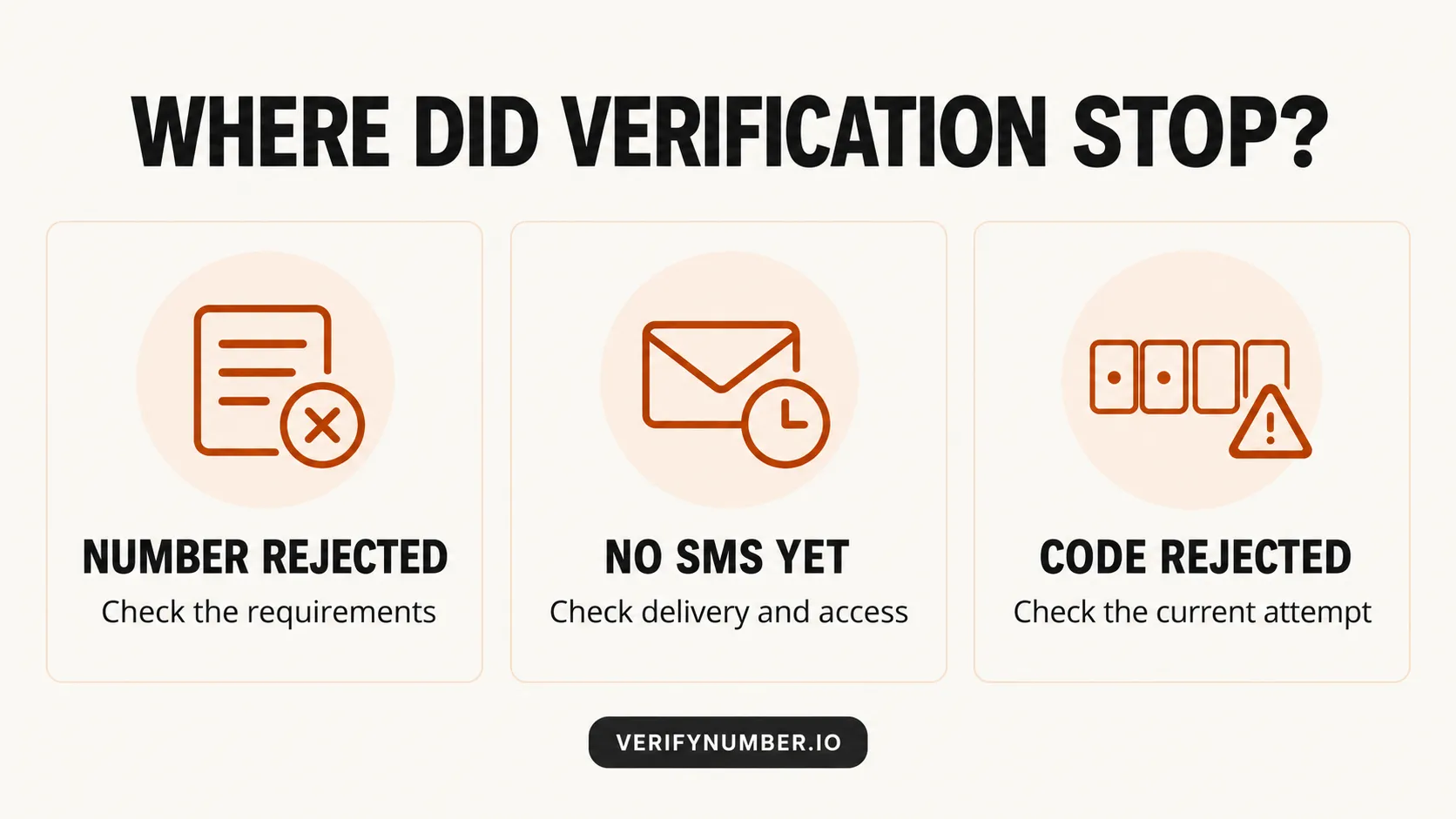
Identify the symptom before choosing an action. This is a conceptual diagram, not a VerifyNumber dashboard screenshot.
| What you see | What to check next | What to avoid |
|---|---|---|
| The form refuses the number | Country selection, entered digits and the platform’s number requirements | Waiting for an SMS that the form has not confirmed it requested |
| The form says a code was requested, but nothing arrives | The selected delivery channel, receiving inbox and access to that number | Assuming the message has reached you just because the request was accepted |
| A message arrives, but its code is rejected | The active attempt and the service’s expiry or replacement rules | Treating the issue as missing delivery or buying another number immediately |
These are observations, not a way to identify the exact network fault. A form’s confirmation cannot tell you everything happening behind the scenes. Messaging documentation distinguishes sending from delivery; the requesting website still has to complete its own verification check. See the message-status documentation for a concrete example of those separate delivery states.
If the website rejects the number
Read the error before retrying. A formatting mistake, an unsupported number or an account limit calls for a different response from a delayed text. Check that the country code has not been entered twice and that the digits match the number you intended to submit.
For example, Google’s account-verification help separately addresses delayed messages and numbers that cannot be used or have reached a verification-use limit. Those are Google-specific cases, not a universal rule for every website.
Changing providers does not establish that the next number meets the platform’s requirements. Before choosing another offer, read our eSIM and VoIP comparison to separate a number’s technical type from its suitability for your task.
If the request went through but no SMS arrives
Start with the destination. If the page shows masked digits, compare them with the number you are using. Then check the channel: a notification, email or message to an existing signed-in device is not an SMS to your current number. Use the method the platform actually offers.
On your own mobile line, inspect your messaging app and filtered-message folders, and check that the line is active. On a provider-managed number, inspect the receiving interface for that specific session. Changing settings on your personal phone will not inspect messages arriving in a separate online inbox.
There is no useful universal countdown to promise here. Follow the website’s timer or current help instructions. Google’s account-verification help notes that carrier problems can delay messages and describes a call alternative when offered. A call option is useful only if the receiving number supports calls; do not assume an SMS offer includes voice access.
If the page reports a restriction, stop repeated attempts and follow its recovery or support path. Microsoft’s verification troubleshooting warns that excessive requests can themselves cause blocks and identifies issues such as message filtering and incorrect contact information. That illustrates why pressing resend more often can be counterproductive.
If the code arrives but does not work
Return to the verification attempt you initiated and follow its instructions. Check for a typing error, a visible expiry message or a prompt that changed after another request. Do not guess codes or assume a delayed message still belongs to the current attempt.
Replacement behavior depends on the service. For example, Google’s 2-Step Verification help says only the newest code works when several have been requested. Keep that example scoped to Google instead of applying it to every platform.
An illustrative case: you request a code, request another while waiting, and then see two messages. The useful question is which code the current page will accept, not which message appeared most recently in your inbox. Read the platform’s instructions rather than relying on arrival order alone.
What to check in your VerifyNumber session
Before obtaining another number, review the offer and the session you already have. The VerifyNumber website directs readers to review service availability, pricing and the access period. Use the details visible in your own account for decisions about a particular order.
- Service and destination: confirm that the selected service and assigned number match what you entered on the target website.
- Access period: check whether you can still receive messages through this session. Do not assume temporary access includes later logins or recovery.
- Current result: distinguish a missing message from a code the platform rejected. Record the visible status rather than assigning a cause you cannot verify.
- Next action: check the offer’s current support, cancellation or refund terms before committing to another purchase. No universal refund or delivery promise is established by this article.
You may also have an alternative that requires no number purchase. Our Instagram signup guide explains an email-first route when offered. Follow the options available for your own platform and account.
Make a support request useful
A short record is more useful than repeated attempts with no history. Note the destination service, time and timezone of the request, exact error wording, selected channel, and whether a message appeared. Include a session or order reference only through the provider’s official support channel when requested.
Keep passwords, active codes and payment details out of screenshots. You can describe the symptom without sharing the secret needed to complete a login. Once access is restored, review the account’s supported backup methods while you can still sign in.
Before you try again
Choose the next action from the symptom you observed. A rejected number needs a requirements check. A missing message needs a delivery and access check. A rejected code needs a check of the current attempt. That small distinction can prevent unnecessary retries and purchases.
Need a separate number for a supported signup?
Review VerifyNumber’s available services, then check the current offer and access period. Choose a number only when it fits the platform’s requirements and your plan for future account access.
Need a hand? We’re here to help. If something goes wrong with your VerifyNumber session, visit VerifyNumber Support or email support@verifynumber.io. We’ll review the issue and help you work through the next steps. Include your rental ID and a brief description, but never send passwords or verification codes.