Can You Receive SMS Verification Codes Over Wi-Fi?
Can SMS codes arrive over Wi-Fi? Compare carrier Wi-Fi Calling, paired messaging websites and online number inboxes, then check the right destination.
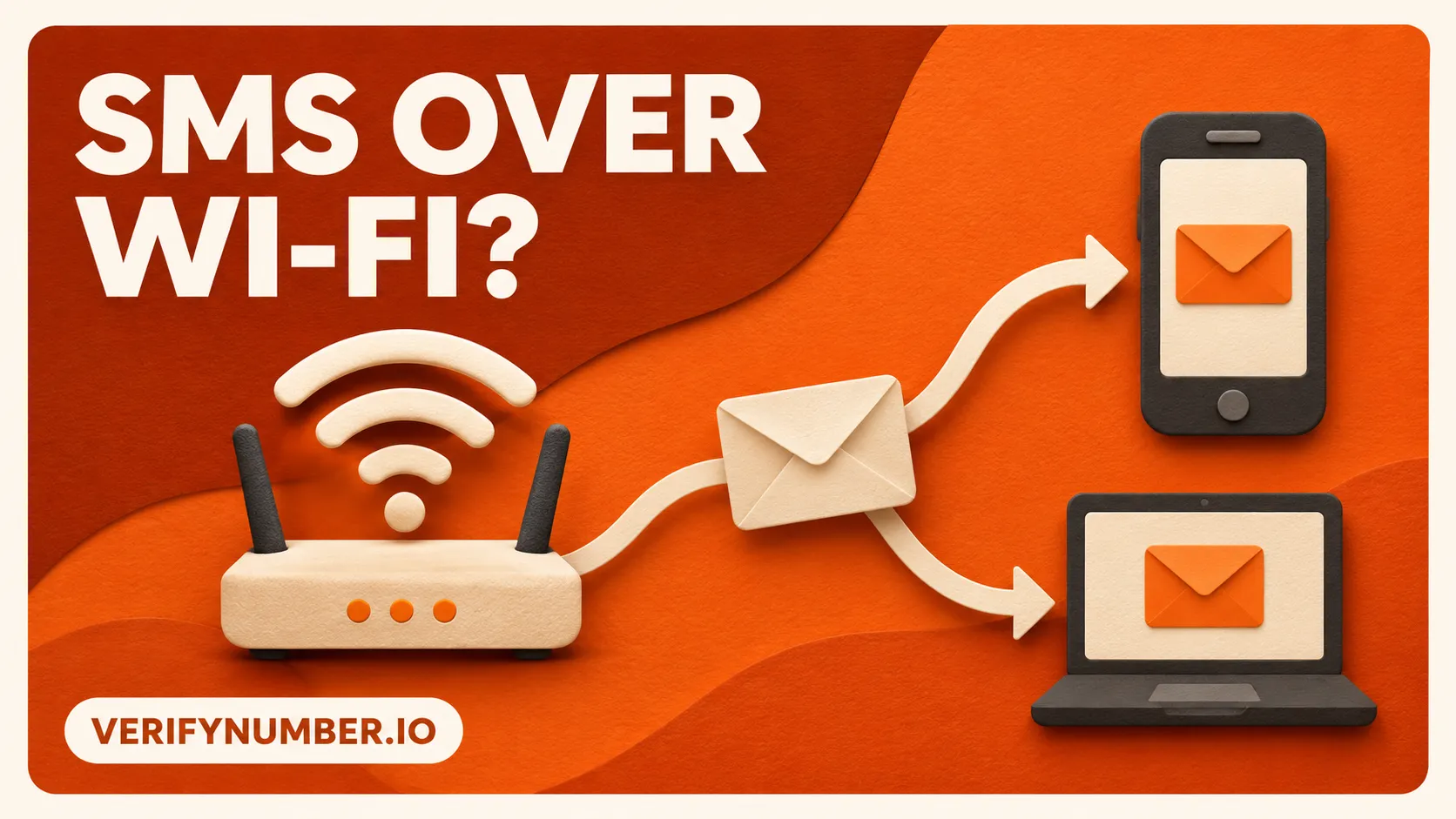
Yes, when your mobile carrier and phone support SMS through Wi-Fi Calling. A Wi-Fi connection by itself is not enough. It can also let you open an online SMS inbox, but that inbox receives messages for its own assigned number.
The useful question is which number the code is being sent to, and how you can access messages for that number. Answer that before changing settings or paying for a different number.
Three things people mean by “SMS over Wi-Fi”
The phrase can describe different arrangements. They look similar because you read a message on an internet-connected screen, but the receiving number and delivery path matter.
| Arrangement | What you are accessing | What to check |
|---|---|---|
| Carrier SMS through Wi-Fi Calling | Texts for your existing mobile line | Your carrier’s SMS support, active line and compatible phone |
| A paired messaging website | Messages associated with the paired phone | The phone’s connection and the pairing requirements |
| A provider’s online SMS inbox | Messages addressed to that provider-assigned number | The exact destination number and active access period |
Think of this as a destination check, followed by a connection check. Opening another inbox does not move a message addressed to your original number. Conversely, losing cellular reception on the device you use to browse does not necessarily stop you opening a separate provider’s website over Wi-Fi.
For your existing mobile number, check the carrier
Carrier Wi-Fi Calling can extend the service for a number you already use. For example, T-Mobile’s Wi-Fi Calling documentation describes calling and texting over Wi-Fi with a T-Mobile number. It requires an active account, a supported device, suitable internet access and an E911 address on the account.
That is an example of one carrier’s service, not a promise about every phone or plan. Check your own carrier’s instructions for SMS support, device compatibility and any restrictions where you are using it. If you are traveling, ask about the destination and applicable charges before relying on it.
On an iPhone, Apple’s messaging troubleshooting distinguishes internet-based messaging from SMS and notes that SMS can be sent over Wi-Fi when Wi-Fi Calling is enabled. Apple also directs users with SMS problems to their carrier. An internet chat working successfully is therefore not a sufficient test of incoming verification SMS.
For a useful support question, be specific: “Can my current line receive SMS through Wi-Fi Calling on this phone in this location?” If the feature is unavailable or the line cannot register, the carrier can investigate that part of the problem. The website requesting the code handles its own verification requirements.
A browser inbox can still depend on your phone
Do not assume that every website displaying texts independently receives them. Google Messages for web shows messages associated with the mobile app and uses a connection between the computer and phone for SMS. Its requirements include an internet connection on the computer and Wi-Fi or data on the phone.
This distinction helps when a laptop is online but the paired phone is unavailable. Opening the web interface is not evidence that the phone can receive a new SMS. Check the phone and pairing before treating the browser as an independent receiving service.
Google also recommends unpairing after using Messages for web on a shared or public computer. Verification codes are sensitive messages, so use a device you trust and close out that access when you finish.
A new number is a new destination
Consider an illustrative situation: you are connected to hotel Wi-Fi, and a login screen says it sent a code to the mobile number already on your account. You can open an online number service, but renting a different number does not change the destination selected by that login screen.
There are two separate tasks here:
- Access an existing account: use the options the account actually offers, or restore access to its registered number with the carrier. Follow the platform’s official recovery process when necessary.
- Choose a number for a new, supported verification: check the platform’s requirements before entering a different number, and plan how you will handle later access.
This is why “I have Wi-Fi” and “I can receive the code for this account” are different observations. A working internet connection solves access to a website; it does not establish control of the number the account expects.
For the distinction between delivered SMS and locally generated authentication codes, read SMS codes vs authenticator apps. Use only a method supported and configured for the account you are accessing.
Where VerifyNumber fits
For a supported task that calls for a separate number, open VerifyNumber and review the current offer and access period before committing. Check that the number you enter on the destination website is the number assigned to your rental.
VerifyNumber’s support guidance advises checking that the rental is still active and that the entered number matches. It also notes that some platforms reject numbers or delay messages. Reading an inbox over Wi-Fi does not remove those platform requirements or extend the rental window.
If you already requested a message and nothing appears, use our missing verification code checklist to distinguish number rejection, missing delivery and a rejected code. That is a better next step than changing Wi-Fi networks without knowing where the message should arrive.
Check the destination before the connection
Start with the number shown by the verification screen. For your own mobile line, establish whether the carrier supports SMS over Wi-Fi Calling. For a paired web interface, check the connected phone. For an online rental, check its assigned number and active session. These checks tell you which service to troubleshoot and whether a new number would serve the task at all.
Need help with your VerifyNumber session? Visit VerifyNumber Support or email support@verifynumber.io. Our team will review the issue and help you work through the next steps. Include your rental or session ID and a brief error description, but never send passwords, verification codes or full payment details.